
How to Choose RFP Response Software: Buying Guide
Find the ultimate guide to choosing RFP software that streamlines processes, boosts efficiency, and increases win rates. Explore key features and how tools like Inventive.ai can transform your RFP workflow.
%20(11).avif)
RFP response software helps teams answer RFPs faster and more consistently by reusing approved content, drafting first answers, and coordinating contributors in one place. It removes the manual work that causes bottlenecks, inconsistent answers, and missed deadlines, the main reasons teams lose winnable bids. AI-first tools go further, drafting from your connected knowledge and flagging outdated or conflicting content before it reaches a buyer.
This guide covers what RFP response software is, the features that matter most, and how to choose the right tool for your team.
What is RFP Software?
RFP response software makes it easier and faster to create high-quality proposals. These platforms usually have built-in content libraries, collaboration tools, and AI features that automate key tasks. This streamlines the process, making it simpler and more engaging to respond to RFPs. It is your one-stop solution for your entire response process, starting with when you first receive the request to submit a proposal. It will help you:
- Organise and reuse the best content.
- Automate tedious tasks such as formatting and version control.
- Enable cross-functional collaboration between departments.
- Track project progress and points of bottlenecks.
- Analyse performance to improve your win rate constantly.
Today's challenge is responding quickly and efficiently to the high volume of RFPs, which is key to sustained growth in a fast-changing business world. Manual RFP processes often fall short due to limited resources, leading to missed opportunities and lower-quality responses.
Why Choose RFP Software?
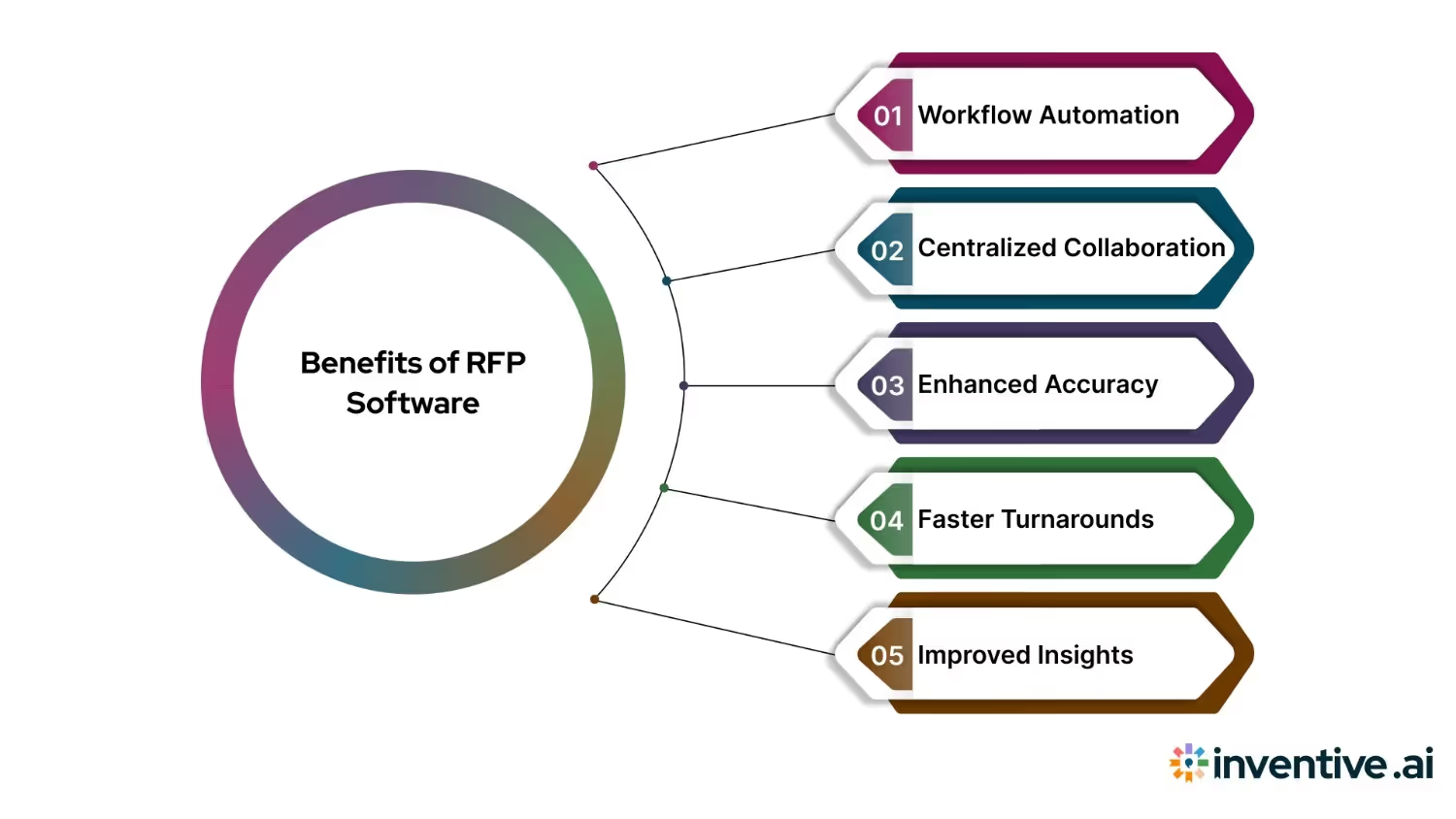
Managing Requests for Proposals (RFPs) manually is time-consuming, error-prone, and hard to scale. As sourcing events become more complex, teams need a streamlined, centralised approach.
- End-to-End Workflow Automation: RFP software simplifies every stage. From drafting and distributing RFPs to collecting responses and awarding contracts, it eliminates redundant tasks and reduces the risk of missed steps or miscommunication.
- Centralised Collaboration: With all stakeholders working in a single platform, communication becomes faster and more transparent. Built-in tools support real-time editing, version control, and task tracking.
- Improved Accuracy and Consistency: Pre-approved templates and response libraries help teams maintain consistent language and comply with internal and external standards. This reduces the chance of costly errors.
- Faster Turnarounds: Automation and smart suggestions help teams respond to RFPs or evaluate proposals much faster, without sacrificing quality or compliance.
- Better Insights and Audit Readiness: Every action is logged and tracked. This makes it easier to generate reports, track decisions, and stay audit-ready. Built-in analytics also help identify process gaps and improve performance over time.
Suggested Read: How to Write an Effective ERP RFP
Must-have Features in RFP Response Software
Use these as the capability checklist for your scorecard. They are the features that most affect speed, accuracy, and win rate.
- AI-powered responses. AI drafts fast, consistent, relevant answers and matches quickly from your content, so response times drop.
- Source citations and confidence scores. Every AI-drafted answer should show its source and a confidence score, so reviewers verify quickly and trust what goes out. This is the main guardrail against inaccurate answers.
- Connected content library. It should organize boilerplate and top answers with tagging and versioning. The best tools skip the manually maintained library and connect to where your content already lives (SharePoint, Google Drive, Salesforce, Confluence), keeping it current and flagging outdated or conflicting answers.
- Automatic Content governance. Beyond storing content, it flags outdated, duplicate, or conflicting answers before they reach a buyer, so your library stays accurate as it grows.
- Coverage beyond RFPs. Check whether it also handles RFIs, DDQs, and security questionnaires, since most response teams deal with all four.
- Collaboration tools. Real-time editing, commenting, and version tracking keep the team coordinated and everyone informed on progress and tasks.
- Task management and tracking. Built-in assignments, deadlines, and automation make RFPs easier to manage, so deadlines are met without cutting quality.
- Integration capabilities. It should fit your tech stack, connecting to your CRM and document tools such as SharePoint, Notion, Google Drive, and Atlassian to move data between systems and cut manual entry.
- Analytics and reporting. Track response times, win rates, and content effectiveness to find what to improve and make data-driven changes to your strategy.
- Security and compliance. Sensitive data must be well protected and meet your standards. Data security takes precedence at Inventive AI: our SOC 2 Type II compliance reflects that, verified through an independent audit.
- Export and formatting options. It should export clean, on-brand documents automatically in Word, Excel, PDF, or a custom template, so you avoid manual formatting and stay on brand.
Together, these features speed up the RFP process and keep responses consistent across your team.
You Might Also Like: RFP Response Best Practices: Proven Steps and Tips to Win More
How to Choose RFP Response Software in 6 steps
To choose RFP response software, define your must-have requirements, check how it drafts and reuses content, confirm it connects to your existing tools, test its accuracy and security controls, compare pricing against your bid volume, and run a trial on a real RFP.
Step 1: Investigate your process
Before you think about new RFP software, take a hard look at your current process. What is working well? Where are the bottlenecks? Understanding your team's specific pains and needs is critical to the selection.
The right questions to ask:
- How many RFPs do you respond to each year?
- What is your average win rate?
- Which parts of the process take the most time?
- How do team members collaborate on answers?
- What are the main pain points in the current process?
- How do you manage and refresh response content?
Know your requirements. These questions show what matters most for your organization in terms of features and capabilities. Do not just fix the current state; decide where you want your RFP process to be in a year, and choose with that goal in mind.
Step 2: Match the features to your situation
Not every feature matters equally for your team. Use what you found in Step 1 to decide which capabilities are non-negotiable for you, then weight your evaluation around them. A few common cases:
- You respond to security questionnaires and DDQs, not just RFPs. Prioritize coverage beyond RFPs and strong content governance. Example: a fintech vendor answering SIG and CAIQ questionnaires needs the tool to flag an outdated SOC 2 date before it reaches a buyer.
- Many contributors touch each response. Prioritize collaboration and workflow. Example: if sales, security, and three SMEs co-author a bid, real-time editing and clear task ownership matter more than a bigger content library.
- You bid across regions or product lines. Prioritize a content library you can segment. Example: a team selling in the US and EU needs answers tagged by region and language so the right version is reused.
- Accuracy and trust are the risk. Prioritize source citations and confidence scores. Example: if a wrong integration or certification claim could cost a deal, reviewers need to see the source behind each AI-drafted answer.
- You already run a defined tech stack. Prioritize integrations. Example: if your content lives in SharePoint and deals in Salesforce, the tool should pull from both rather than force a new repository.
Score each shortlisted platform against your top three or four priorities, not the full feature list, so the decision reflects how your team actually works.
Step 3: Assess vendors
Now that you know what you need, start exploring vendors. Look past the marketing and dig into whether the solution fits your workflow.
- Ask for demos from multiple vendors.
- Ask for customer references in your industry.
- Read online reviews and case studies, and check ratings on G2 and Gartner Peer Insights.
- Ask for security documentation, such as a SOC 2 report and GDPR compliance.
- Engage with user communities for unfiltered feedback.
- Attend webinars or virtual events the vendors host.
Pay attention to each vendor's track record, customer support, and commitment to ongoing product development. Look for vendors who understand your industry and have a history of helping teams like yours succeed. Ask the hard questions in demos, and push the software against your most difficult RFP scenarios.
Step 4: Navigate buying
Once you have a shortlist, discuss cost. The cheapest option is rarely the best value, so look at the total cost of ownership:
- Licensing fees, per user or per project
- Implementation and training
- Onboarding
- Ongoing support and maintenance
- Potential ROI in saved time and improved win rates
Run a proof of concept on your own content or a real RFP before you sign. A trial on live work is the clearest signal of whether the tool fits.
Do not be afraid to negotiate. Many vendors will move on price for a longer contract or a larger number of users. Ask about bundling, multi-year discounts, and a start-small-then-scale approach.
List the key terms and conditions:
- Contract length and renewal
- Data privacy: confirm the vendor does not use your data to train its AI models
- Service level agreements: the guarantees for support and uptime
- Upgrade and maintenance schedules
Step 5: Win stakeholders
Focus on the needs of key stakeholders, usually end users, managers, and finance. Each cares about something different: ease of use, productivity, or cost. Show each group how the solution fixes their problem, and the decision gets easier.
- Show the pain points. Name the inefficiencies your team faces, such as hours spent drafting responses manually or confusion over who contributed what. Then show how the software removes them, for example automated content suggestions and a central library that save response time and improve consistency.
- Get into the numbers. Show how the software saves time and resources: faster turnaround with the same team makes more proposals achievable. ROI comes from higher efficiency and win rate, which drives revenue. In short, fewer resources, better results.
- Anticipate objections.
- Data security: show how the platform's security matches your organization's standards.
- Learning curve: point to the intuitive interface and available training for an easy transition.
- Integration: show how it works with your CRM, content platforms, and collaboration tools with minimal disruption.
- Focus on the big picture.
- Explain how the software supports broader company goals.
- Faster, stronger RFP responses build customer relationships and a competitive edge over time.
- Better processes free the team to focus on higher-value work, such as winning larger bids.
- Use third-party proof. Involve vendor representatives to demo the platform, and share success stories from similar organizations. Real examples give decision-makers firsthand insight.
- Tailor the pitch to each stakeholder.
- Sales teams: the software helps the proposal team produce high-quality responses to more RFPs, so sales can pursue more opportunities and close faster.
- Security teams: it lets non-technical staff handle basic security questions, so security experts focus on complex, critical work.
- Subject matter experts (SMEs): reusable stored content saves SMEs from answering the same questions repeatedly, freeing them for higher-value work.
- Chief Revenue Officers: a modest upfront investment drives long-term revenue by letting the team respond to more RFPs without new hires.
Step 6: Successful onboarding
With the software chosen, focus on a smooth rollout and strong adoption.
- Start small. Pilot with a small group who refine the process, so the wider rollout goes smoothly.
- Provide thorough training. Offer in-person and self-paced training, with materials built around your specific use cases and processes.
- Standardize best practices. Set standard operating procedures for the software so new team members get up to speed quickly.
- Collect feedback. Hear stakeholders' issues, act on them, and raise feature requests with your vendor.
- Track adoption and usage. Watch who is using the software and how. If a team lags, give it extra support or training early.
Next Steps!
Selecting the best RFP response software is not a small task, but it could greatly benefit your organisation. This guide will help you make an informed decision so you can prepare your team for success with proposals.
Remember that the world of RFP software is constantly evolving. Be curious, keep learning, and don't fear re-evaluating your needs because your business will grow and change. Periodically review both your RFP process and use of your selected RFP software to ensure you are maximising your spend.
Using the right tools and formulating proposals the right way, you will begin writing winning proposals in no time and put your organisation well ahead in this competitive marketplace. So, take the first step. Start exploring your options and be all set to transform your RFP response process!
Download the Free AI RFP Software Buying Guide
If you're actively evaluating RFP software vendors, a structured buying framework can help you ask better questions, compare platforms consistently, and avoid costly mistakes.
Our free 7-Step Buying Guide for AI-Driven RFP Software includes:
- A step-by-step vendor evaluation framework
- A customizable vendor comparison matrix
- Demo questions to ask every provider
- AI capability and security evaluation criteria
- Implementation planning guidance
- ROI considerations and buying best practices
Why Teams Choose Inventive AI
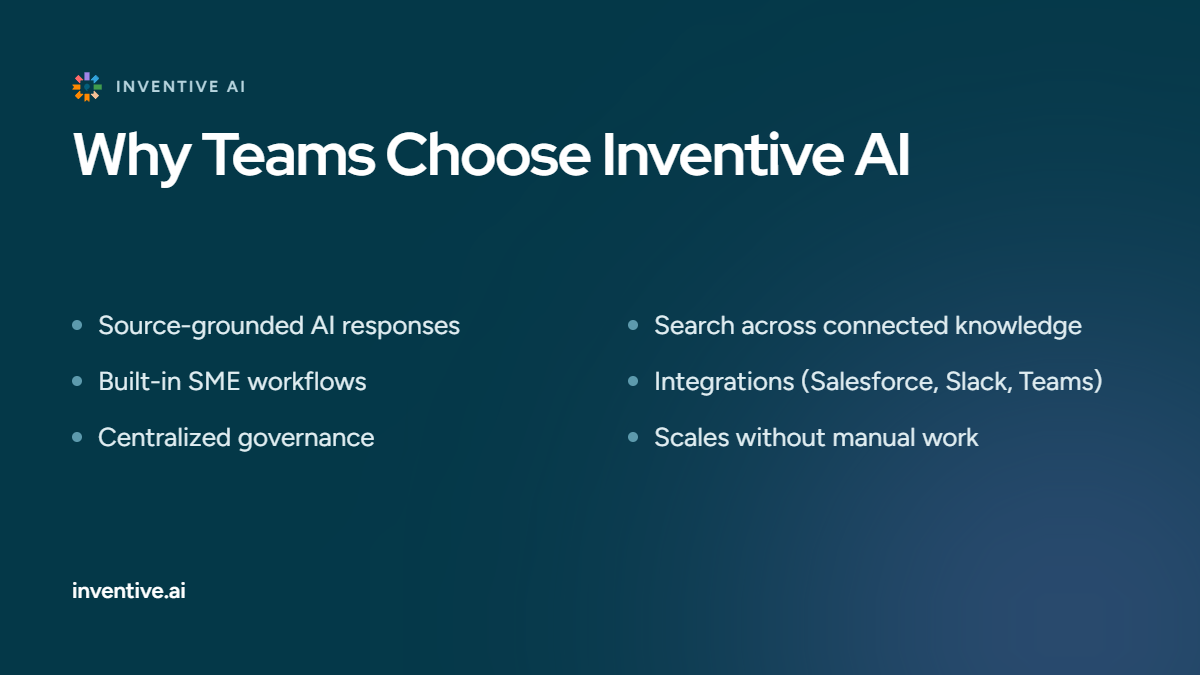
If your evaluation criteria include AI accuracy, enterprise search, collaboration, and scalability, Inventive AI brings those capabilities together in a single platform built for proposal and presales teams.
With Inventive AI, you can:
- Generate source-grounded AI responses
- Find relevant content across Google Drive, SharePoint, Confluence, Notion, Salesforce, and past proposals into a single searchable knowledge base.
- Collaborate with SMEs through built-in workflows
- Integrate with Salesforce, Slack, Microsoft Teams, and other business tools
- Maintain accurate content with centralized governance
- Scale proposal operations without adding manual work
The best way to evaluate any RFP platform is to see how it performs with your own content.




%20(31).avif)


